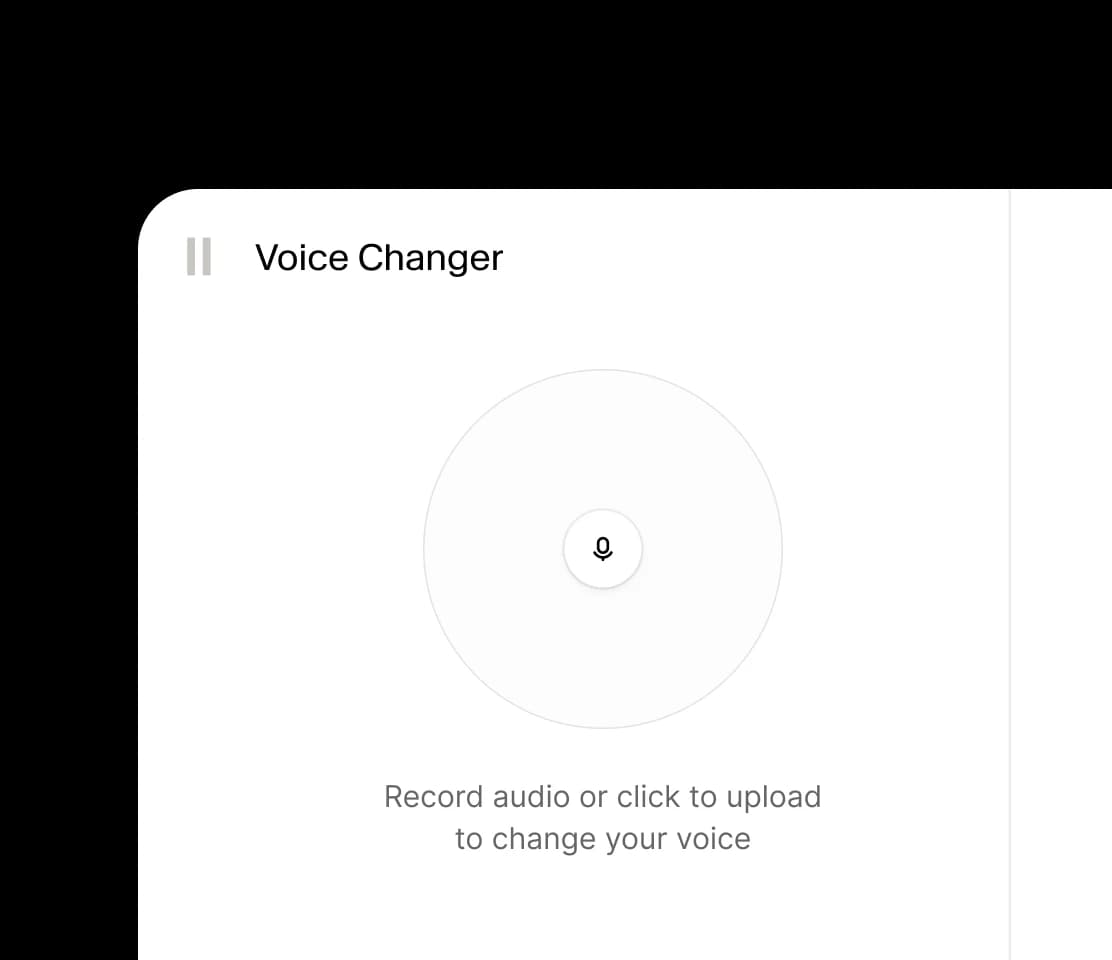
01 Record or upload
Start from a raw voice
Upload a short reference clip, record a line, or paste text for a clean AI voice change workflow.
 OmniVoice
Change a voice from a recording or script, choose a new vocal direction, and export audio that fits your scene. OmniVoice combines voice cloning, voice design, and 646-language generation in one workflow.
Upload source audio and a reference voice, then generate a changed voice.
Upload the voice you want to change. Maximum 3600 seconds.
Upload the target voice style that the result should follow.
Credit ruleBilling rounds up to full minutes: 1-60s = 4 credits, 61-120s = 8 credits, 121-180s = 16 credits.
Generated speech-to-speech result
Your changed voice will appear here
Upload original audio and reference audio on the left, then generate a new voice.
Three-part workflow
A voice changer page needs visible progression. The user should see where audio enters, how the voice is chosen, and where the final take lands.
01 Record or upload
Upload a short reference clip, record a line, or paste text for a clean AI voice change workflow.
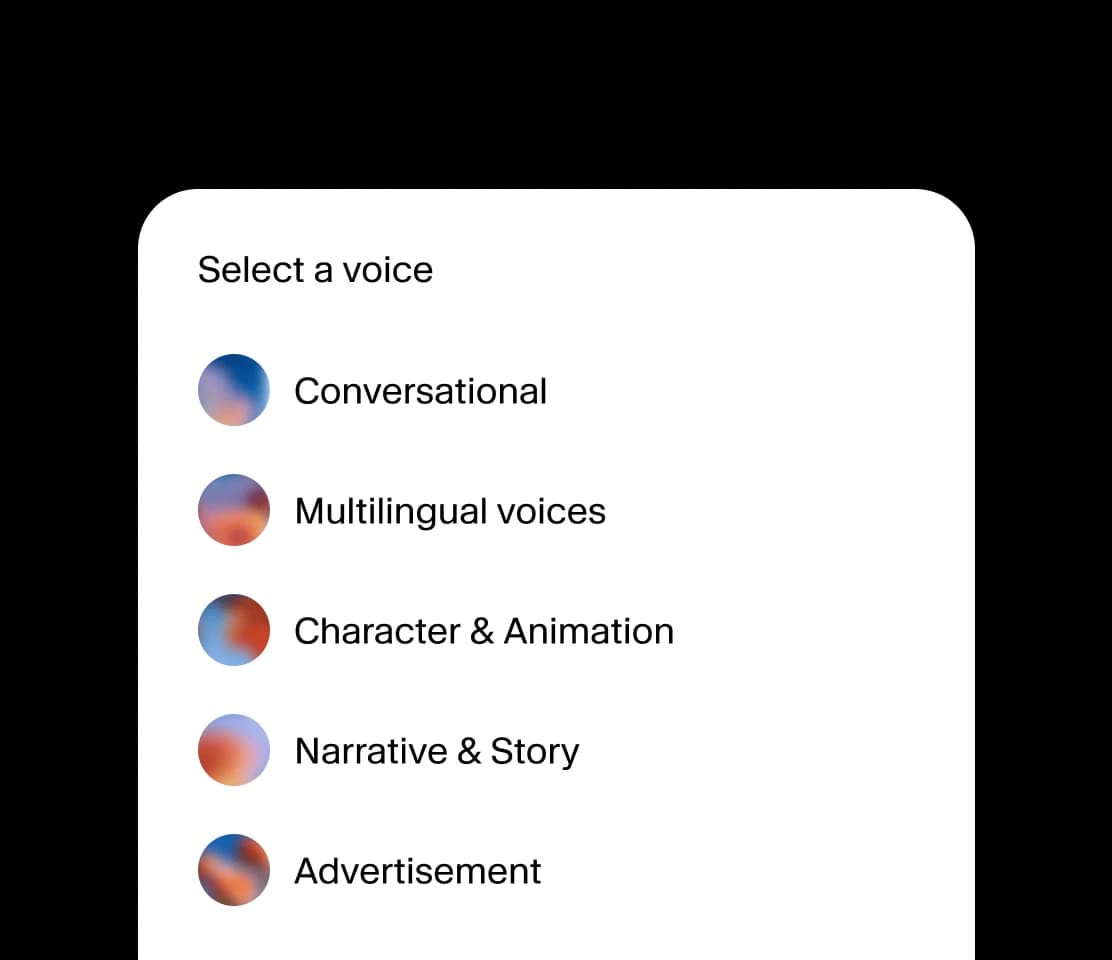
02 Select a voice
Choose conversational, multilingual, character, narration, or advertising style voices for the job.
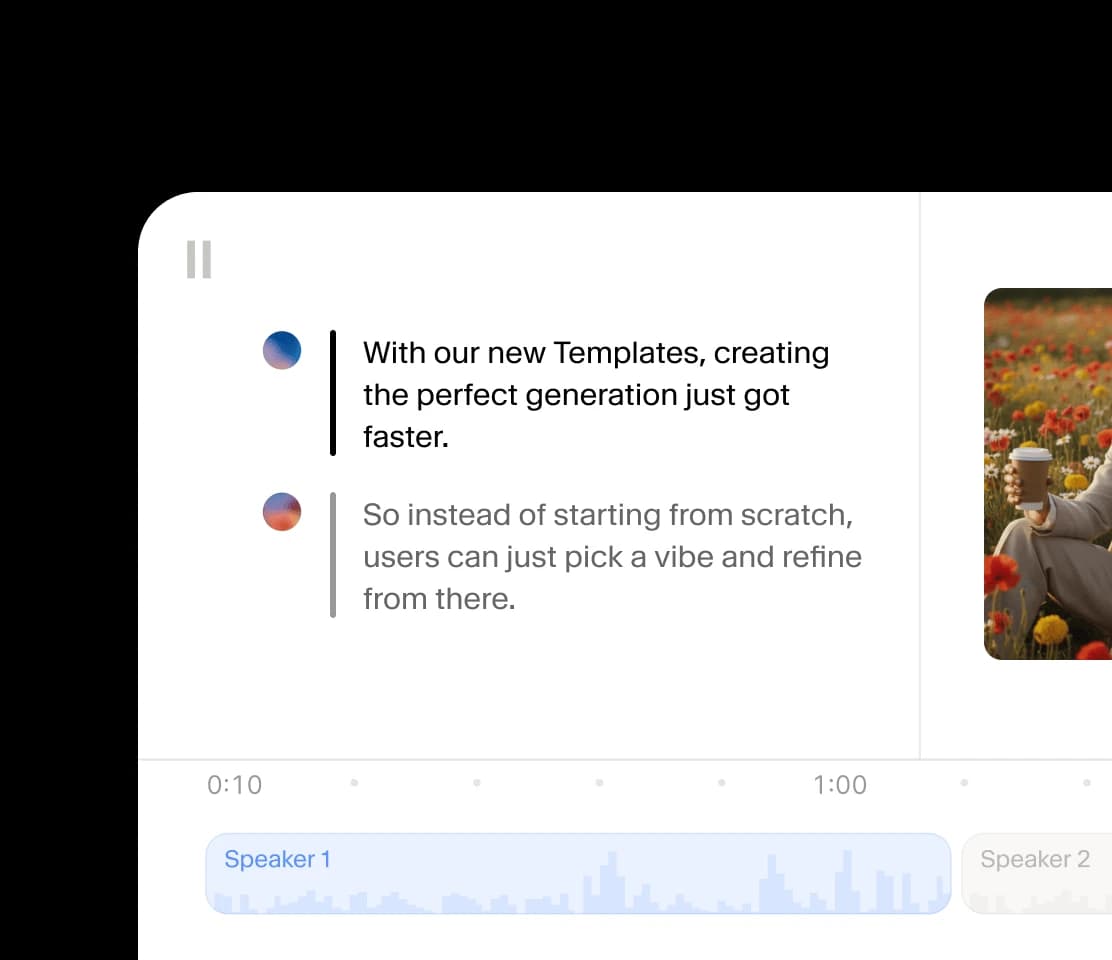
03 Use in studio
Preview changed speech, refine speaker timing, and export audio that fits videos, ads, and demos.
A platform for every creative team. Produce and adapt campaigns, social assets, voice content, and cinematic media in a single integrated workflow.
Visual use cases
Users arrive with scenes in mind. Give each scenario a different visual rhythm so the page feels browsable, not like a stack of identical cards.
Create character reads, trailer lines, and pickups that sound ready for the edit.

Test campaign voices quickly before committing to a final direction.
Move from script to distinctive short-form audio for recurring creator formats.

Prototype support agents, tutors, companions, and app voices with natural delivery.
Voice modes
Hover a voice mode to hear and see the delivery style in motion. Each card stays still until the user shows intent, so the section feels polished instead of noisy.
Warm, direct voices for agents, coaching, onboarding, and product narration.
Stylized vocal identities for animation, games, story worlds, and sketches.
Steady explanatory voices for lessons, courses, walkthroughs, and training clips.
Turn a rough recording or typed script into a polished voiceover without booking another session.
Use a reference clip, describe a new voice from text, or combine both paths for character work.
Generate speech in 646 languages while preserving the vocal direction that fits your scene.
Preview, regenerate, and download clean audio for videos, podcasts, courses, and product demos.
Voice content is personal. Set clear expectations before users upload, clone, publish, or commercialize changed audio.
Use voice change workflows with permission from the speaker or rights holder.
Avoid impersonation, fraud, harassment, or deceptive use of synthetic voices.
Keep source recordings short, relevant, and clean for better quality and simpler review.
Review every generated file before publishing it in a commercial or public context.
Start with free credits, then scale into longer scripts, more languages, and commercial audio projects.
No card required
No credit card. Prepare a script, sign up, and use your hosted trial credits.
Best first purchase
Perfect for short videos, ads, and trying things out.
Built for regular creators
The pick for podcasters, YouTubers, and small studios.
Best per-credit value
Built for audiobook narrators, course creators, and content studios.
One-time hosted credits • No subscription required
Practical answers for creators, marketers, educators, and builders comparing voice changer workflows.
AI Voice Change is the process of turning speech or text into a different voice with AI. In OmniVoice, you can use cloning, voice design, and multilingual generation to create the final sound.
Voice cloning copies the sound of a reference speaker. AI Voice Changer is broader: it can clone a speaker, create a new synthetic voice, localize a voice, or produce several voice styles for one script.
Yes. OmniVoice supports 646 languages, so you can keep a voice direction while generating localized speech for different markets.
No. For voice cloning workflows, a short clean reference clip is enough to start. Better source audio usually produces cleaner changed speech.
Use a clear recording with one speaker, low background noise, and natural pacing. Avoid clips with heavy music, overlapping voices, or strong room echo when you want the cleanest AI voice change result.
Yes. You can listen to generated speech, adjust the voice direction or script, and regenerate until the result fits your video, podcast, course, or campaign.
OmniVoice offers commercial usage through its plans and open-source Apache 2.0 model stack. Make sure you also have the rights to any voice reference, script, or source recording you use.
Use recordings only when you have permission from the speaker or rights holder. OmniVoice is designed for legitimate creative, localization, education, and product workflows, not deceptive impersonation.
Ready to generate
Upload a reference, choose a voice direction, generate the line, and keep iterating until the audio fits the scene.
Try AI Voice Changer