TikTok story time voiceovers
Turn personal stories, list posts, and confession-style intros into smooth voiceovers that stay easy to follow.
 OmniVoice
Create TikTok text to speech voiceovers, clone voices, and generate short-form audio for hooks, storytimes, product videos, and multilingual reposts. Open the full OmniVoice studio anytime.
TikTok is a trademark of its owner. OmniVoice is not affiliated with or endorsed by TikTok.
[ TikTok voice generator use cases ]

Turn personal stories, list posts, and confession-style intros into smooth voiceovers that stay easy to follow.
Generate short hooks and CTA lines for drops, launches, beauty demos, and UGC ads without recording a new take.
Use playful voices or cloned delivery for reaction clips, stitched jokes, and recurring character formats.
Reuse the same idea across languages when you want to test regional TikTok audiences faster.
[ How to use the TikTok Voice Generator ]
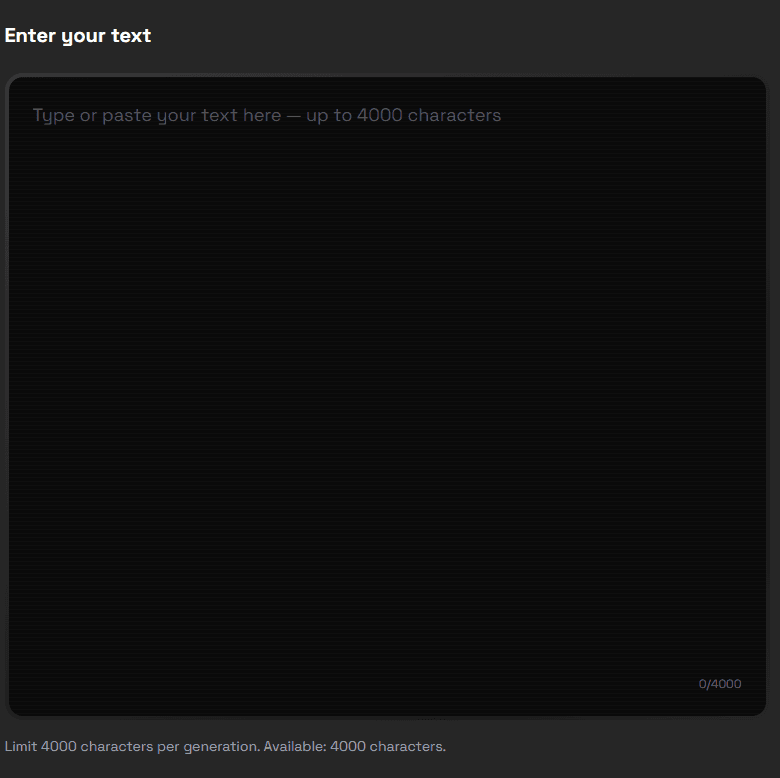
Step 1
Start with a line made for short-form video: a storytime opener, a product hook, or a tutorial lead-in.
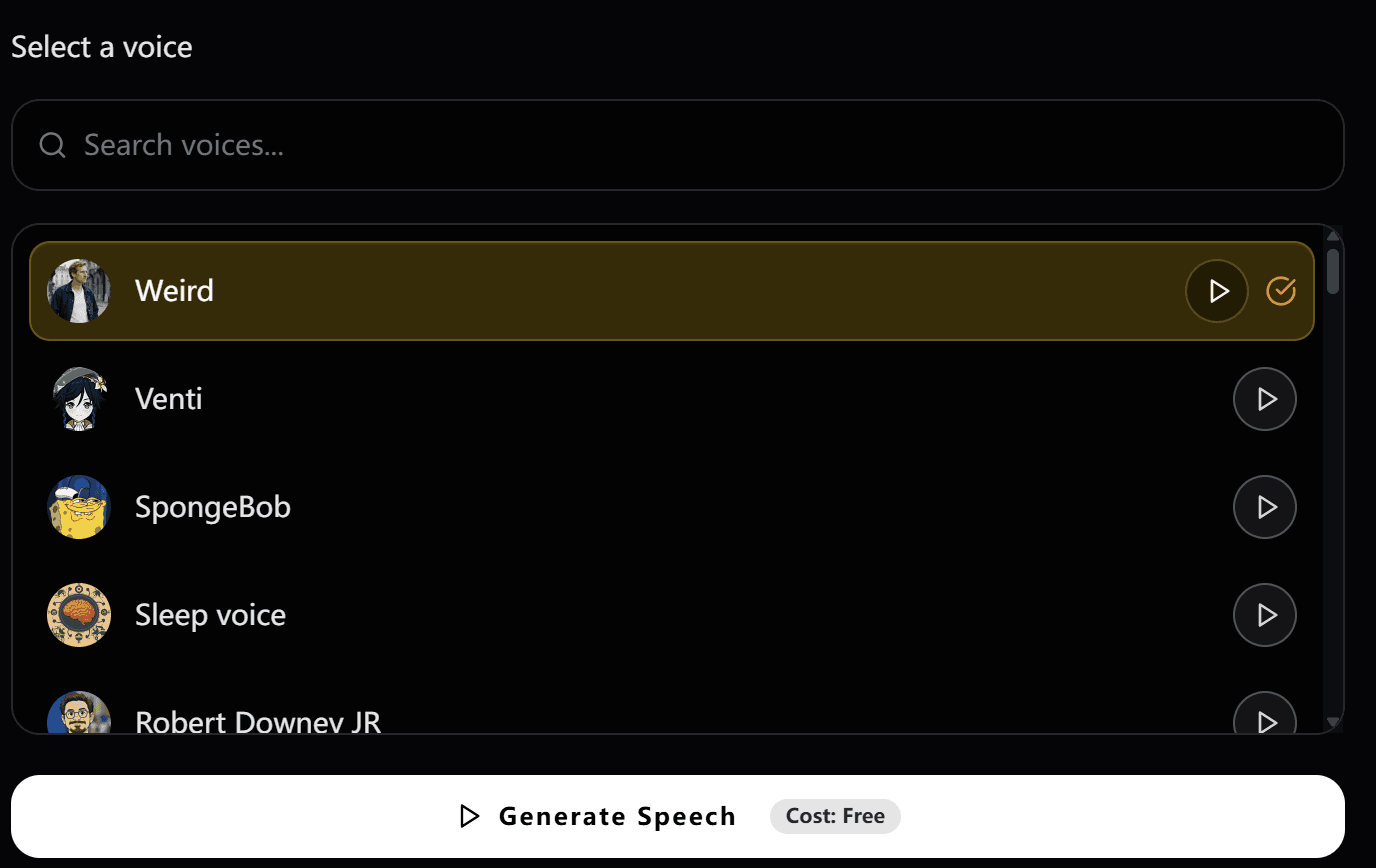
Step 2
Use regular text to speech for speed, or switch into cloning when you want a more specific creator-style delivery.
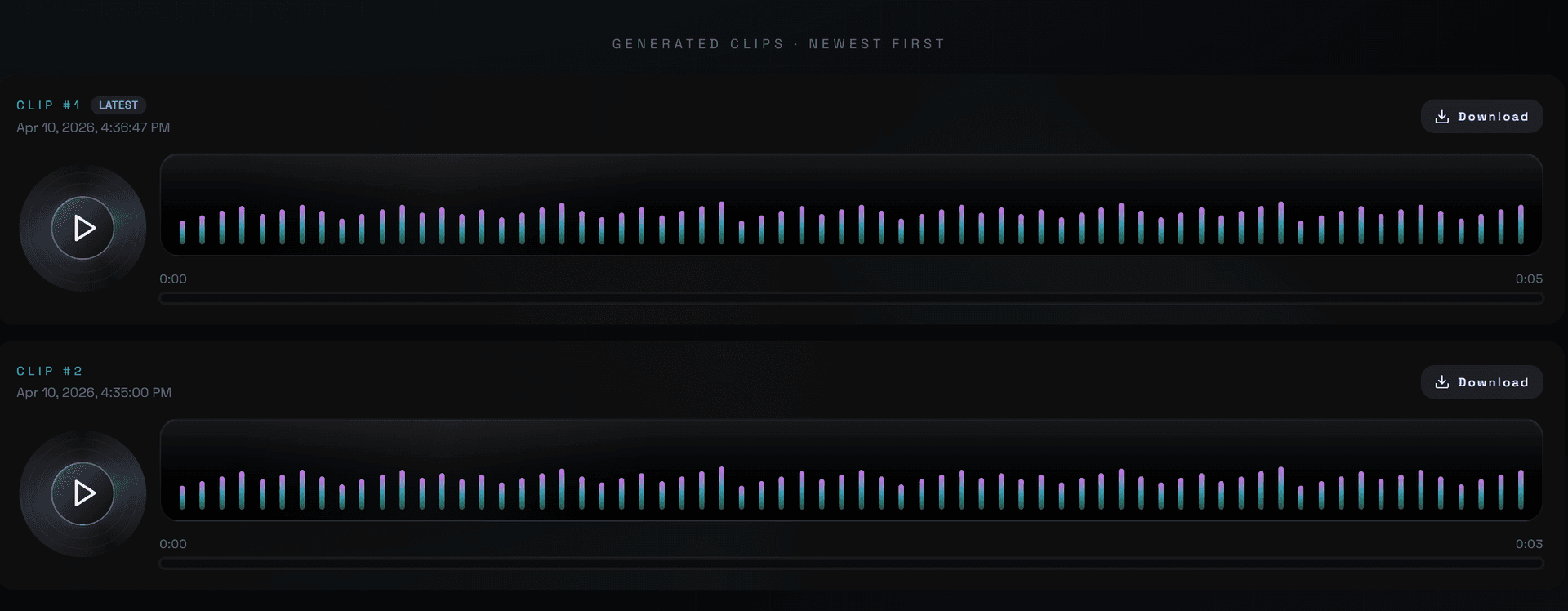
Step 3
Download the audio, pair it with captions and cuts, then publish your TikTok voiceover in the editor you already use.
[ TikTok text to speech generator ]
Short-form voice tools win when they feel immediate, but creator workflows also need range. OmniVoice covers fast text to speech, cloning, and localization without boxing you into a novelty-only format.
OmniVoice works especially well when you need clean voiceovers for fast hooks, punchy captions, and short edits.
Keep a recognizable creator tone by cloning a voice from a short clip instead of recording every script from scratch.
Take a format that already performs and repackage it for other markets with multilingual text to speech.
[ TikTok voiceover workflow ]
Use standard TTS when you need speed for daily posting and A/B testing.
Pair generated speech with on-screen captions and quick cuts for cleaner short-form pacing.
Localize a winning concept instead of rebuilding the whole video from scratch.
Export audio and drop it into TikTok-ready edits built in CapCut, Premiere, or mobile apps.
Best for
Hooks, storytimes, promos, meme voiceovers, multilingual reposts
Input style
Typed scripts, built-in voices, or cloned voices
Output style
Short-form voiceovers for TikTok videos and social edits
Creative edge
Faster than recording every take by hand

Long-form content generation

Dynamic game character voices

Professional studio quality

Clear, articulate pronunciation

Empathetic conversational agent

Authoritative broadcast style
[ TikTok Voice Generator pricing ]
No card required
No credit card. Prepare a script, sign up, and use your hosted trial credits.
Best first purchase
Perfect for short videos, ads, and trying things out.
Built for regular creators
The pick for podcasters, YouTubers, and small studios.
Best per-credit value
Built for audiobook narrators, course creators, and content studios.
One-time hosted credits • No subscription required
[ FAQ ]
Paste your script into OmniVoice, pick a voice, generate the clip, then download the audio for your TikTok edit. You can start with regular text to speech or clone a voice for a more specific sound.