01
All-in-one generation
One prompt outputs a multi-track, time-aligned audio production.
 OmniVoice
Generate cinematic audio from one prompt — multi-character dialogue, sound effects, music, and ambience in a single pass. Turn creators into audio directors, not operators of fragmented voice tools. Open the full OmniVoice studio on the homepage when you are ready to scale beyond the demo.
References
32 credits · per minute of audio
Definition
Turn one prompt into broadcast-ready dialogue, sound effects, music and ambience — fully mixed in a single pass.
Seed Audio 1.0 is a next-generation AI audio generation model that turns a single prompt into a fully-mixed, broadcast-ready audio production — dialogue, sound effects, background music and ambience, all generated and time-aligned in one pass. Unlike traditional text-to-speech systems that only read scripts in a single flat voice, Seed Audio 1.0 is designed to turn creators into audio directors rather than operators of fragmented voice tools.
01
One prompt outputs a multi-track, time-aligned audio production.
02
Every character voice stays identical across tens of minutes.
03
Feed text, a reference clip, or even an image to define the voice.
[ Audio Showcase ]
Radio Drama · 48s
Radio Drama · 1m 20s
Podcast · 1m 21s

Brand Ads · 1m 9s
[ Core Capabilities ]

Compress dialogue, sound effects and music into one prompt. Seed Audio 1.0 handles multi-character dialogue arrangement, non-verbal expressions, and ambient music in a single pass — no DAW required.
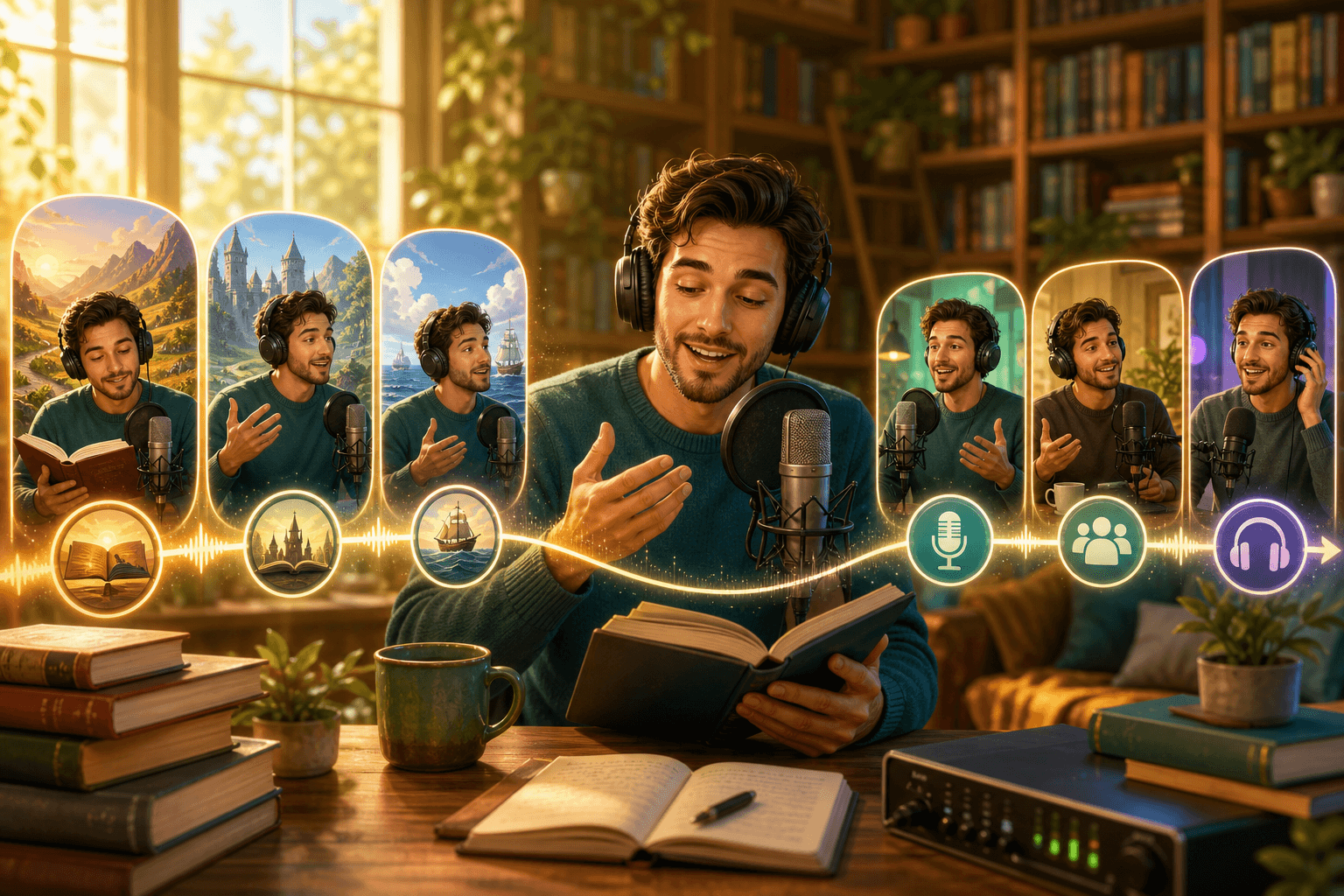
Keep every character voice identical across hours of audio. Whether you produce a 50-chapter audiobook or a 12-episode podcast, Seed Audio 1.0 prevents voice drift that plagues traditional AI voice models.
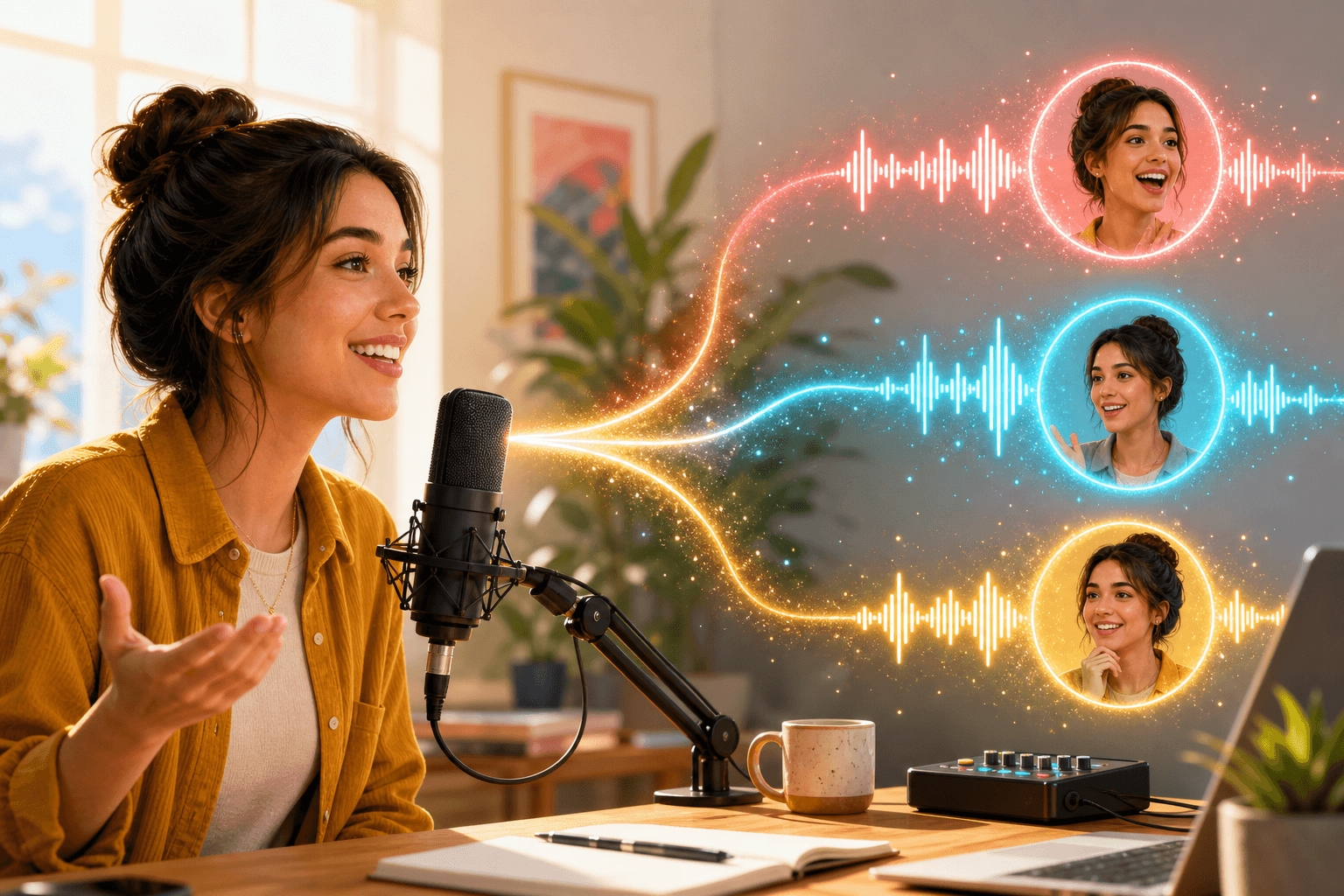
Upload a short reference clip — no training, no fine-tuning. Seed Audio 1.0 captures timbre, prosody and emotional signature instantly, ready for cross-scene generalization.
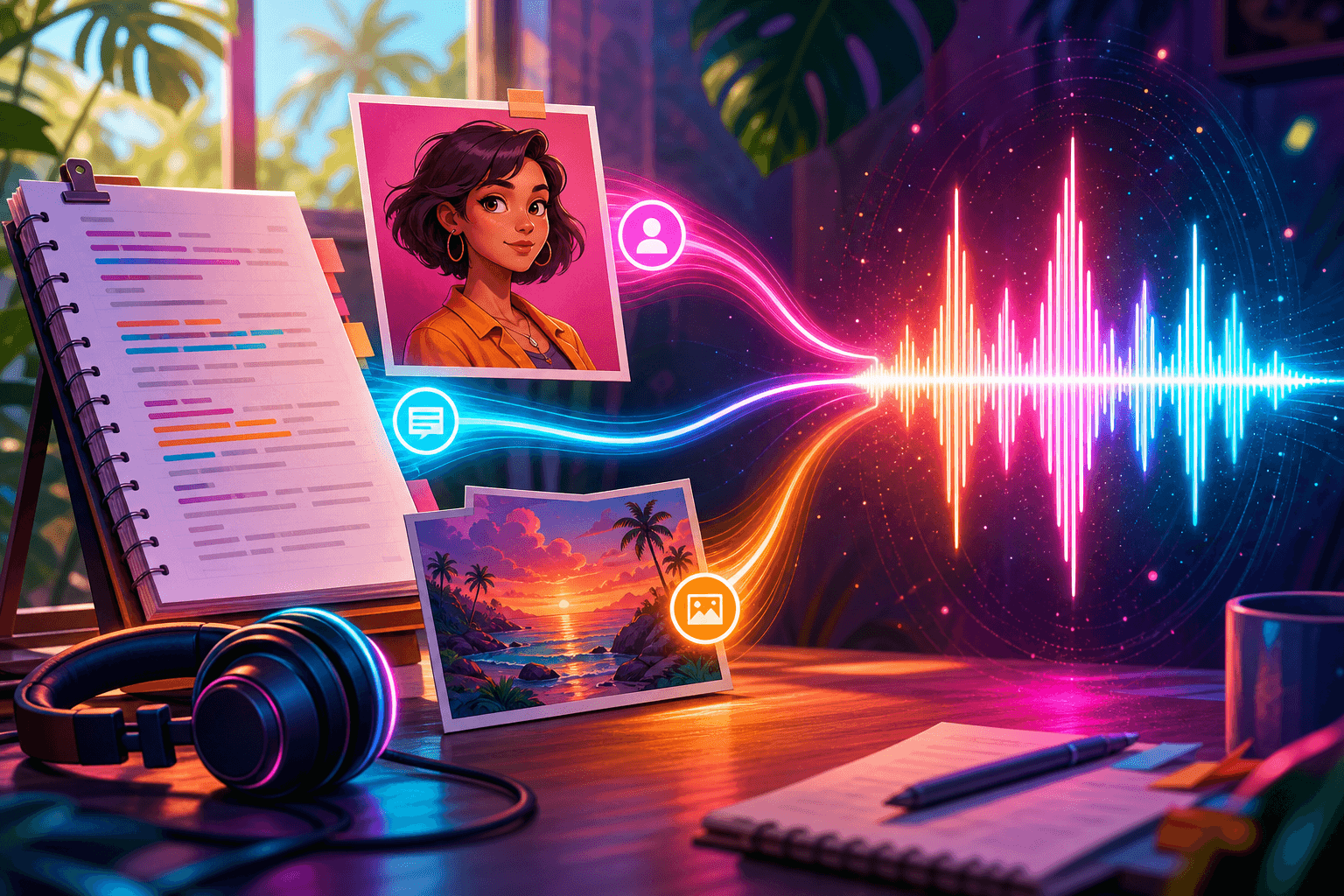
Describe your audio in text, reference an audio clip for style, or upload an image to infer a character's vocal personality. Seed Audio 1.0 fuses all three into a single output.
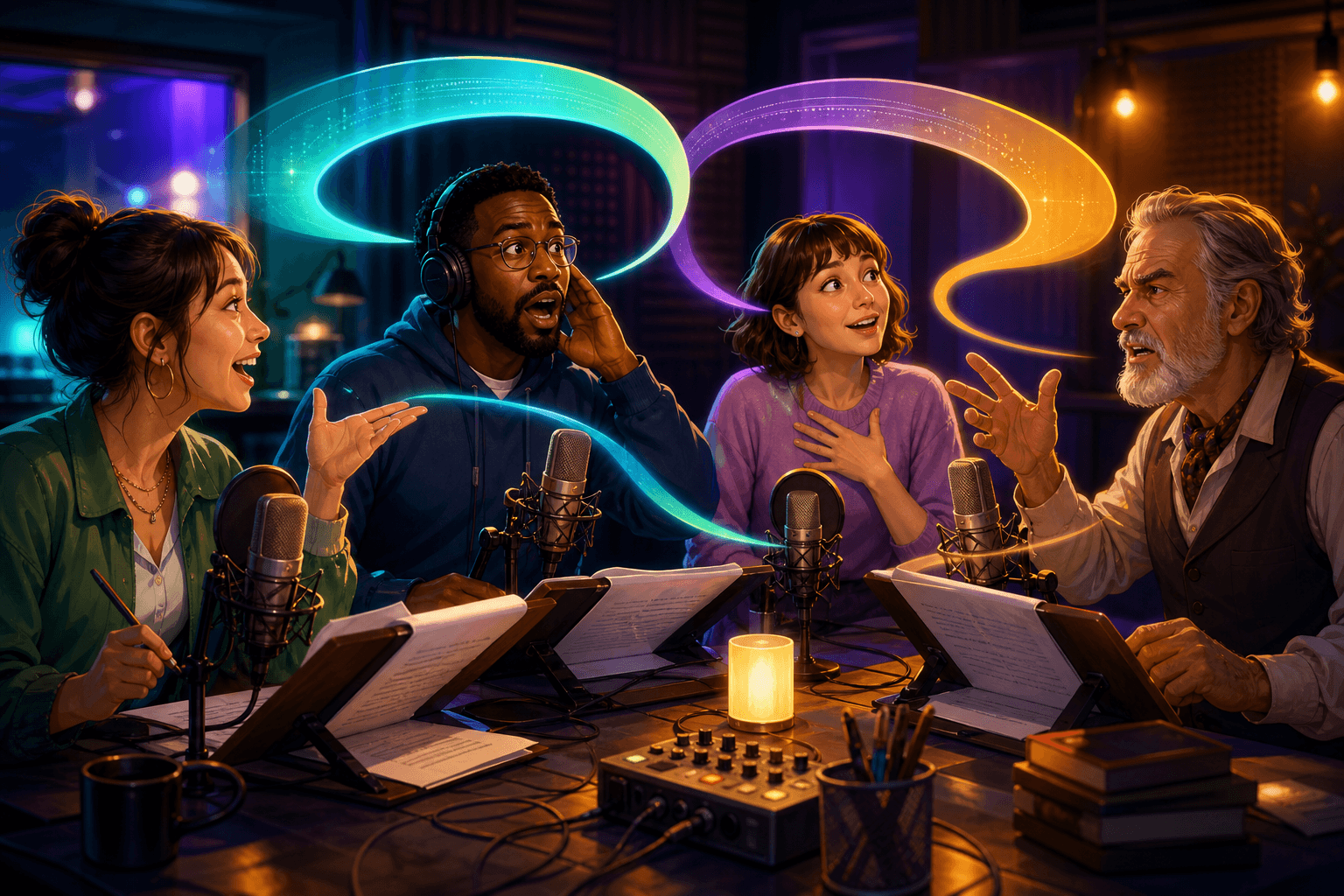
Direct multiple speakers with distinct voices, pacing and emotion in a single generation. Turn-taking, transitions and ambient cues are arranged automatically.

Generate up to 2 minutes of fully-mixed audio in one shot, then extend continuously while preserving voice, character and style consistency.
[ Use Cases ]
From radio drama studios to solo podcasters — Seed Audio 1.0 fits creators across the entire audio production spectrum.
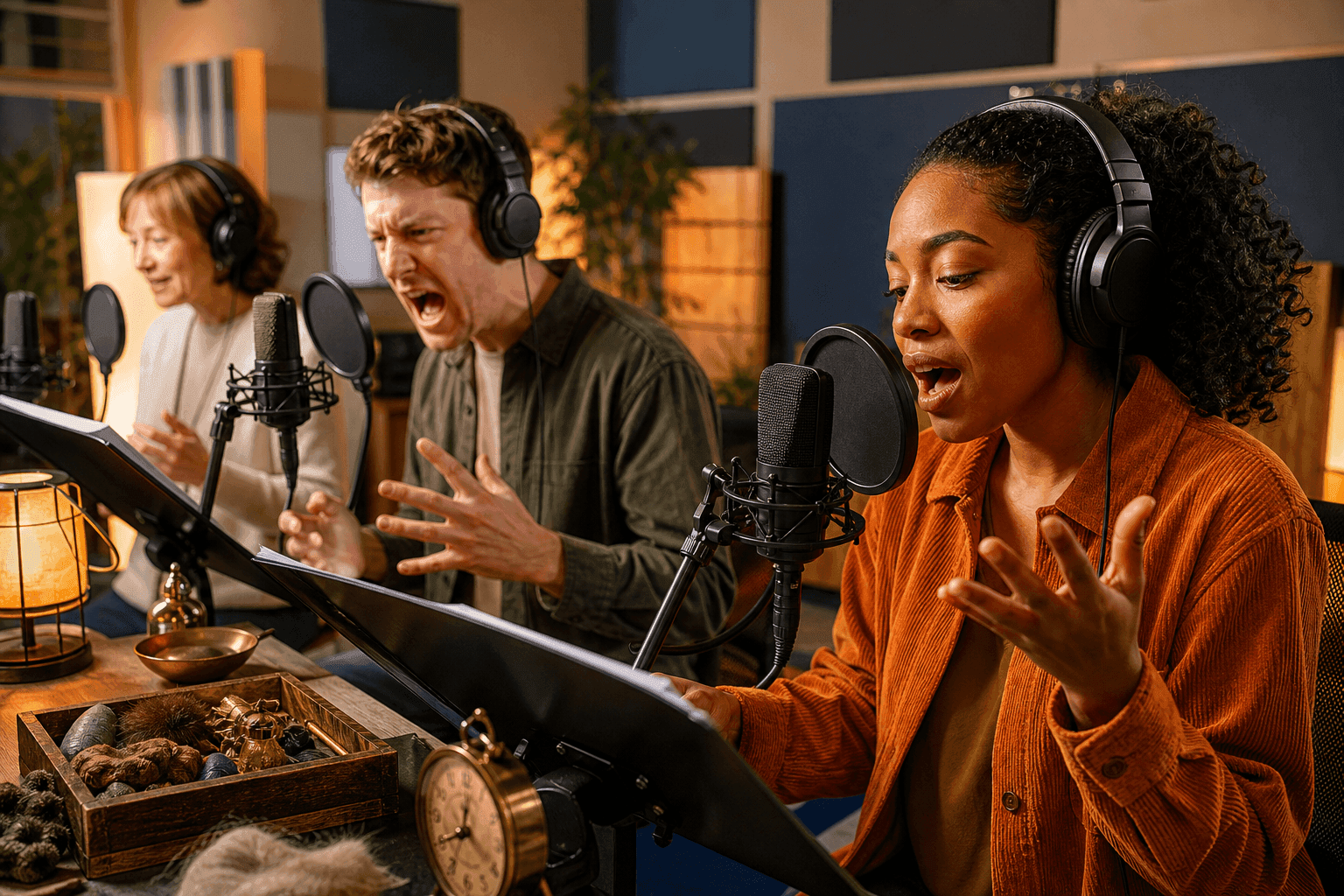
One prompt orchestrates multi-character dialogue, sound effects and background music into a broadcast-ready audio piece.

Describe your brand audio in natural language and instantly get a spot with emotional pacing and seamless transitions.
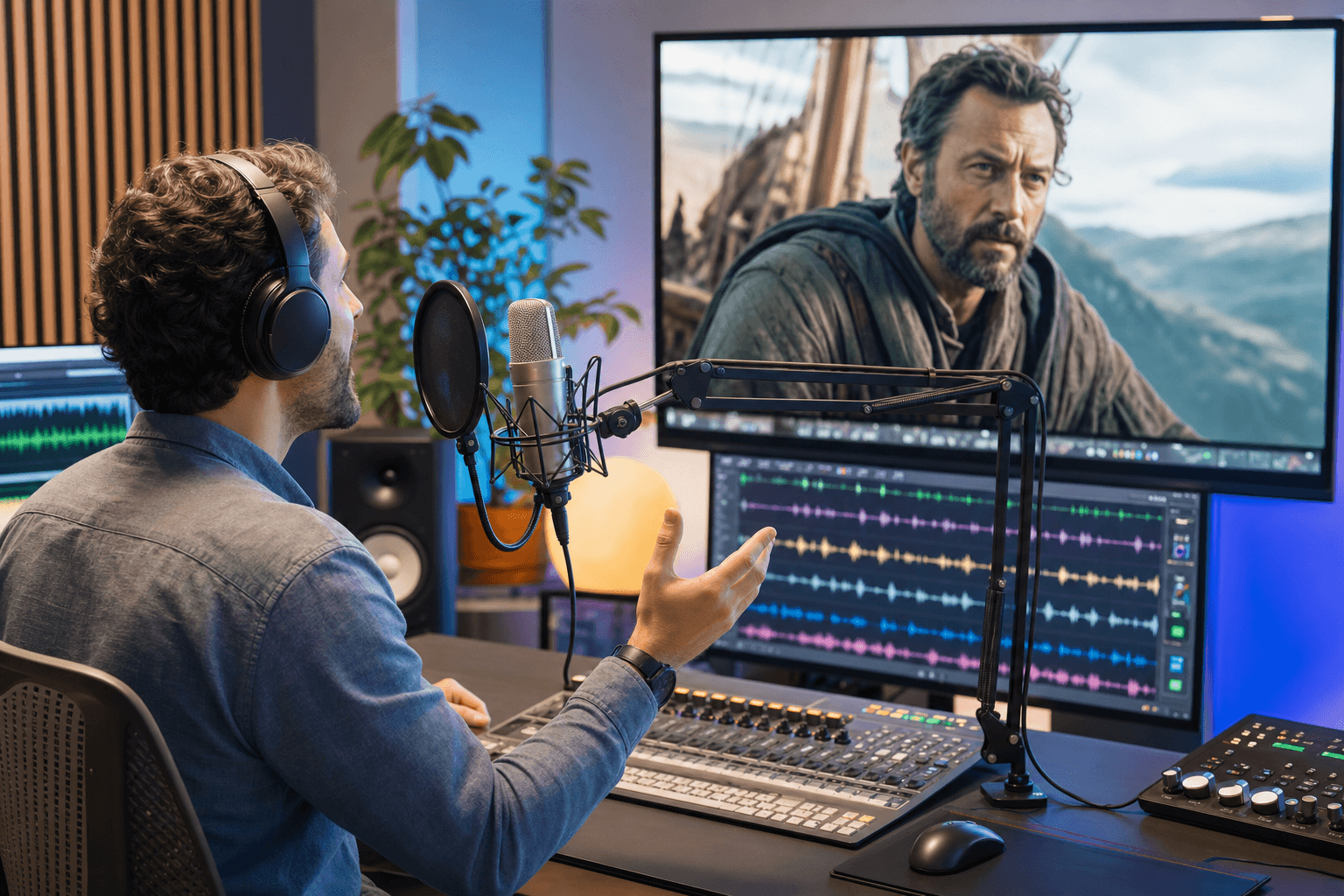
Multi-modal input lets you tailor character voices for video editing, professional dubbing and creator workflows.
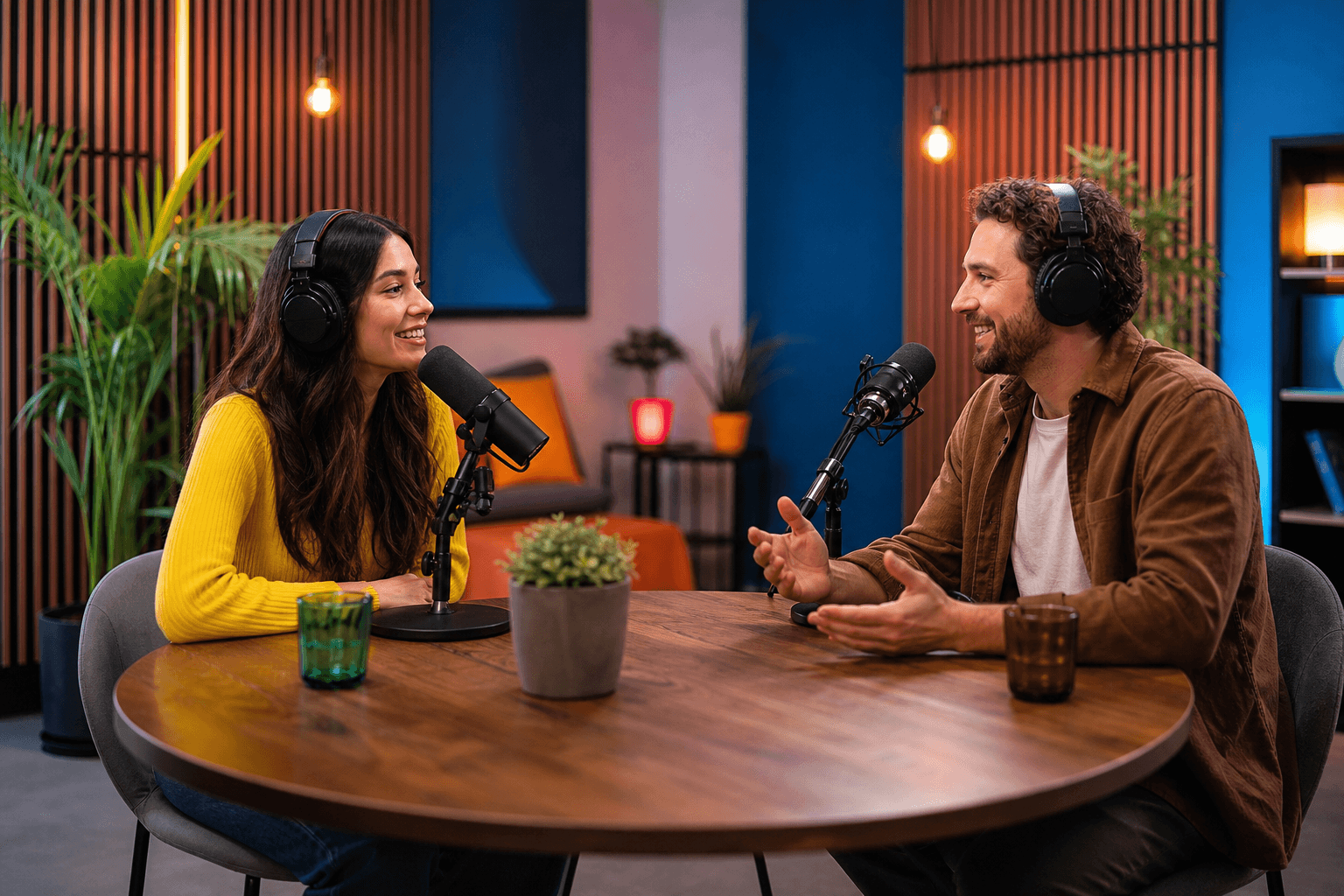
Generate multi-host conversational podcasts that hold each host's voice consistent across full episodes.

Upload your own voice once and let it tell bedtime stories, run meditation sessions, or sing across any scene.

Type a scene description and get spatial, multi-layered ambience — replacing manual SFX library stitching for games and VR.
[ Workflow ]
Step 1
Describe the scene, mood and characters in natural language. Paste in the script you want voiced — dialogue, narration, or both.
Step 2
Upload a reference voice for zero-shot cloning, a music clip for tonal style, or describe the emotion and pacing you want.
Step 3
Hit Generate. Seed Audio 1.0 returns a fully-mixed, broadcast-ready audio file — dialogue, music and effects already aligned.
[ Comparison ]
| Capability | Seed Audio 1.0 | Traditional TTS | Multi-Track DAW |
|---|---|---|---|
| Multi-character dialogue | Auto-arranged | Single voice only | Manual recording / casting |
| Sound effects generation | Generated in prompt | Not supported | Library + manual edit |
| Background music generation | Generated in prompt | Not supported | Composed or licensed |
| Long-form voice consistency | Hours, stable | Drifts over time | Manual takes & retakes |
| Zero-shot voice cloning | One clip, instant | Requires training | Studio recording only |
| Multi-modal input (text/audio/image) | Yes | Text only | Manual asset prep |
| Non-verbal expression (laughs, sighs, dialects) | Embedded automatically | Not supported | Recorded manually |
| Production time | Seconds | Seconds | Hours to days |
| Skills required | None | None | Audio engineering |
| Output type | Broadcast-ready master | Raw narration | Broadcast-ready master |
Seed Audio 1.0 is not a faster TTS — it is a new category of AI audio generation, designed to replace the dialogue + SFX + music + mixing pipeline with a single prompt.
[ Seed Audio 1.0 pricing ]
No card required
No credit card. Prepare a script, sign up, and use your hosted trial credits.
Best first purchase
Perfect for short videos, ads, and trying things out.
Built for regular creators
The pick for podcasters, YouTubers, and small studios.
Best per-credit value
Built for audiobook narrators, course creators, and content studios.
One-time hosted credits • No subscription required
[ FAQ ]
Seed Audio 1.0 is a next-generation AI audio generation model that creates fully-mixed audio — including dialogue, sound effects and music — from a single prompt. Unlike traditional TTS systems that only convert text into one flat voice, Seed Audio 1.0 generates complete, broadcast-ready audio productions in a single pass.
Pick a demo template, hear one-pass generation, then move into OmniVoice when you are ready to build your own scenes.