
Home ›How to Use
How to Use OmniVoice
Your complete guide to generating speech across 646 languages, cloning voices in seconds, and designing custom speakers with no training required. If you're just getting started, start with OmniVoice.
Whether you're creating audiobooks, game dialogue, or multilingual content, this guide covers everything from your first generation to advanced workflows. See how OmniVoice performs in our 2026 review.
What Makes It Different
Four capabilities. One unified model.
646 Languages
Generate natural speech in 646 languages and dialects with one model and no separate language pack installs.
Zero-Shot Voice Cloning
Clone a voice from a 3-25 second sample and generate instantly across any supported language.
Voice Design
Describe tone, accent, pace, and style in plain text to generate a reusable synthetic speaker identity.
Expressive Tags
Embed [laughter], [sigh], and [gasp] directly in scripts for native non-verbal emotional rendering.
Step-by-Step
From text to audio in three steps
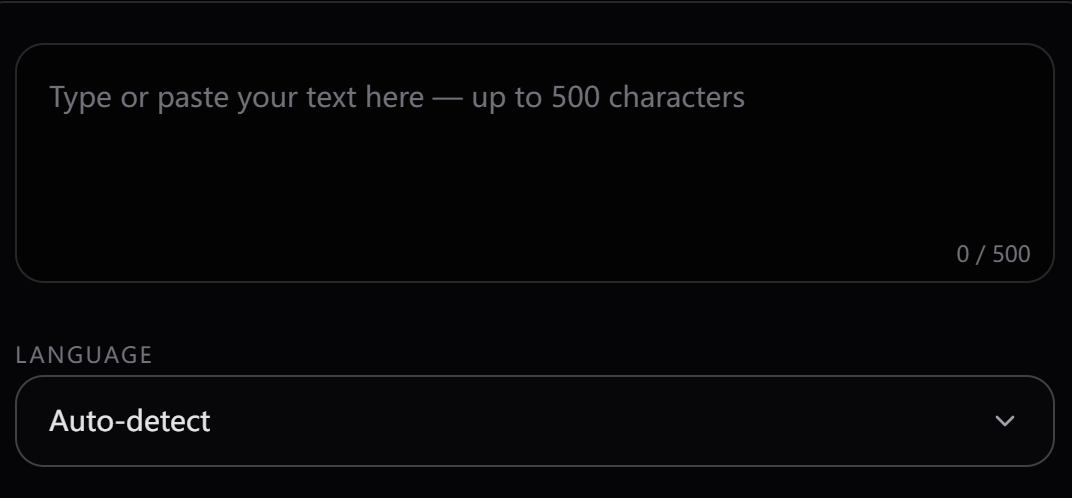
Type or paste your script
- - Use punctuation intentionally to shape pacing and prosody.
- - Add expressive tags inline where tone matters: [laughter], [sigh], [gasp].
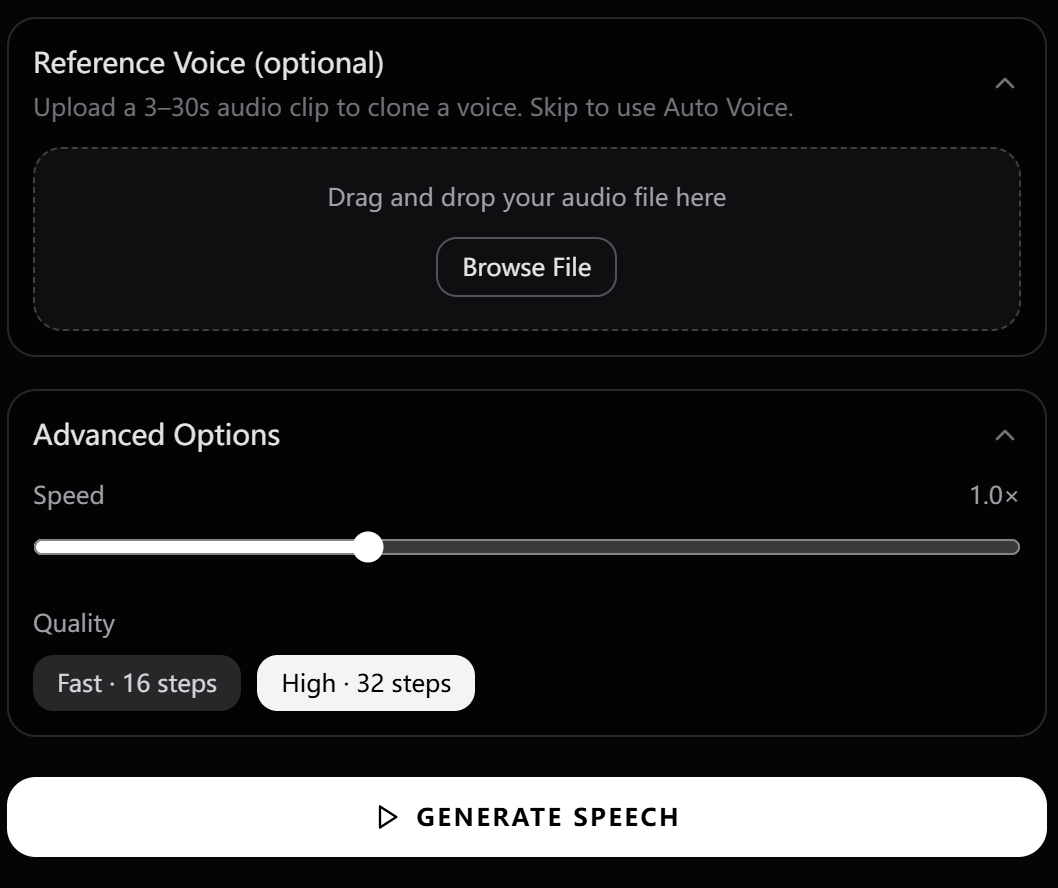
- - Adjust speaking speed from 0.5x to 2.0x to match your use case.
Choose a preset, clone a voice, or design one
- - Presets: filter by language, gender, accent, and tone.
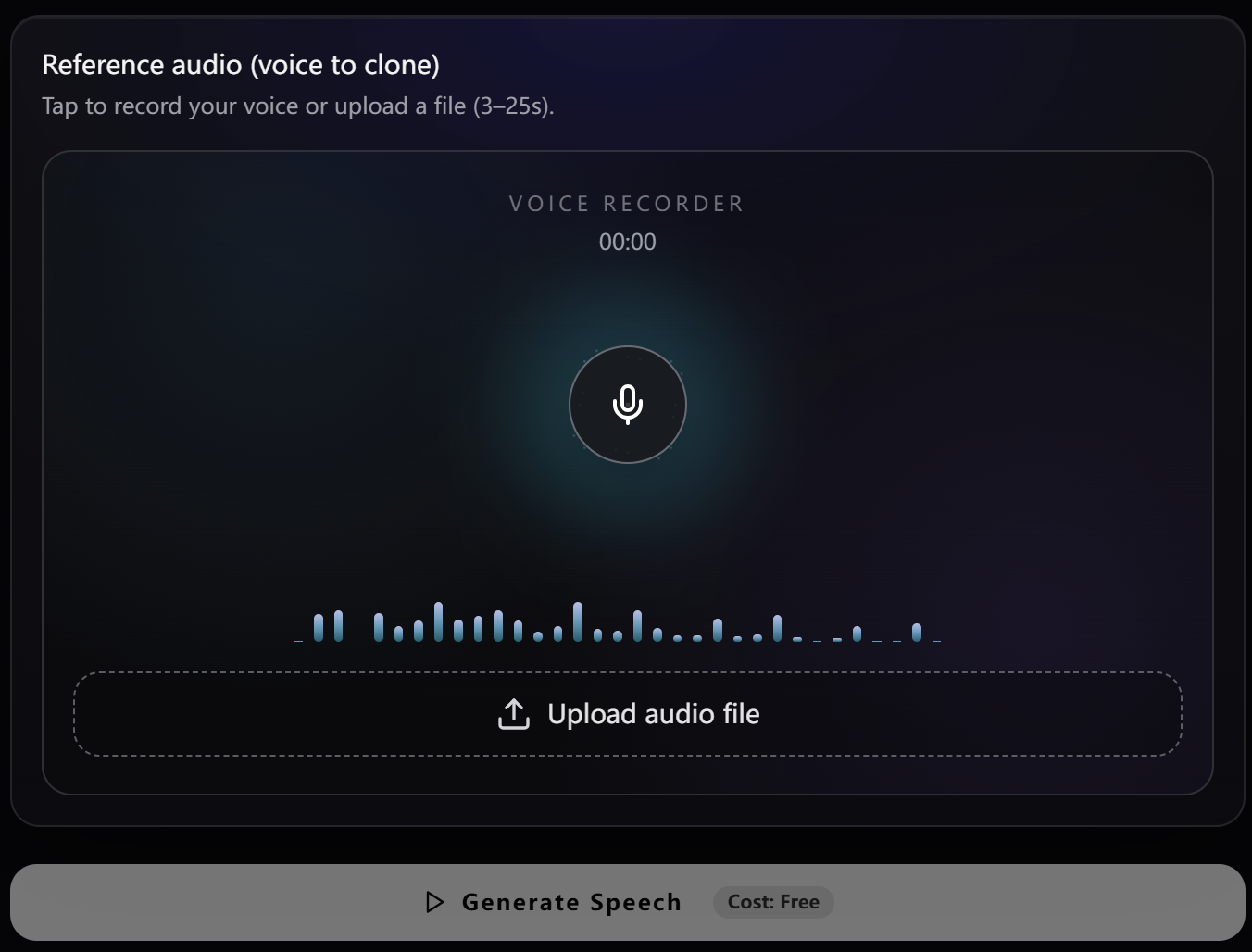
- - Clone: upload 3-25 seconds (5-10 seconds recommended) of clean single-speaker audio.
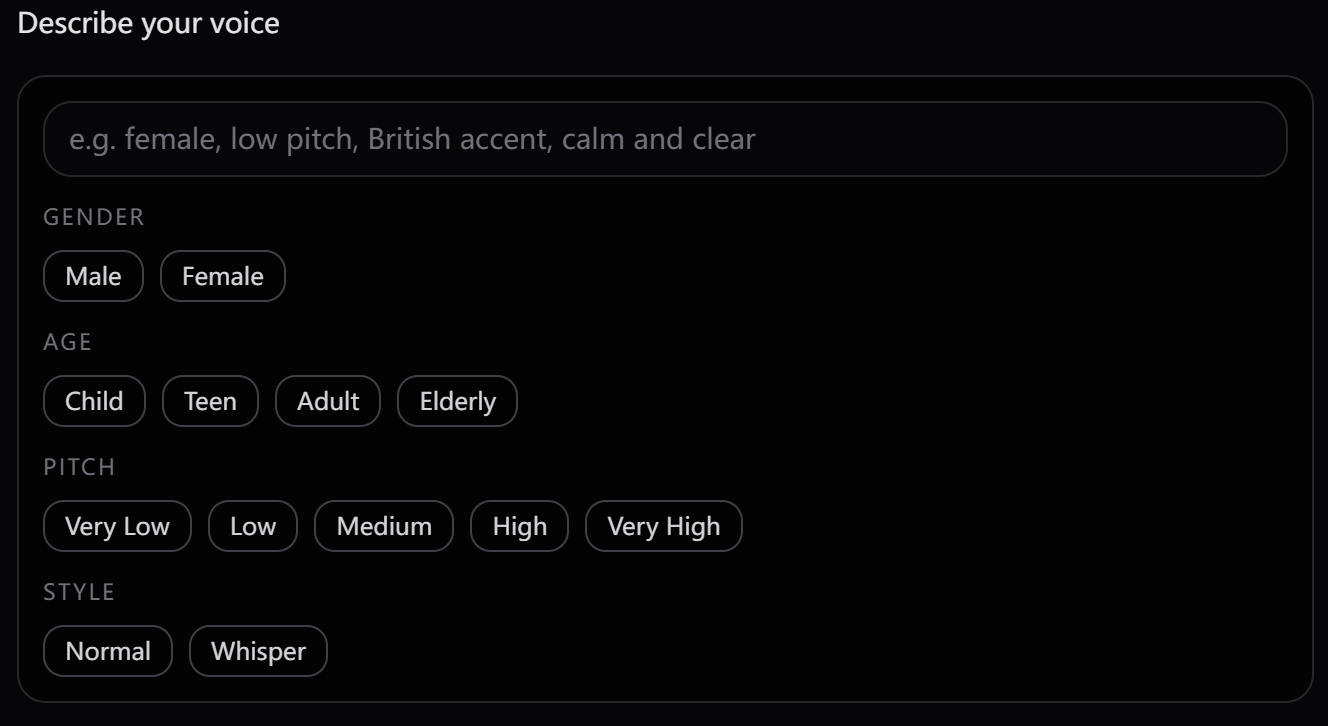
- - Design: create a new voice from a prompt like "warm female, measured pace, slight French accent".
Generate, preview, and export
- - Generate in seconds, then preview in-browser before downloading.
- - Export WAV (48kHz lossless) or MP3 (compressed, lighter files).
- - Iterate quickly by changing one variable at a time: script, voice, or speed.
Who It's For
Built for every creator
Audiobook & Podcast Production
Narrate long-form content with consistent delivery and reusable voice identity across episodes.
Game NPC Dialogue
Prototype and ship character voices fast with text-based design and cloning workflows.
Global Localization
Generate one script in 646 languages with one unified system and consistent brand voice.
E-Learning & Language Tutoring
Produce clear pronunciation with speed control for comprehension and repeat practice.
Customer Support & IVR
Deploy natural menu prompts and support audio while keeping compliance options open.
Accessibility & Assistive Tech
Convert written content to reliable speech for users who prefer or require audio output.
Pro Tips
Get the best results every time
Use punctuation intentionally
Commas, periods, and dashes directly control pacing and emotional cadence.
Record clean reference clips
For cloning, 5-10 seconds of clean single-speaker audio is the practical sweet spot.
Write for speech, not reading
Format acronyms, numbers, and dates the way you want listeners to hear them.
Change one variable at a time
When debugging quality, adjust script, voice, or speed independently.
Segment long scripts
Split 500+ word scripts into logical chunks to improve consistency and editing flexibility.
Save best Voice Designs
Keep successful prompts as reusable speaker profiles for stable project output.
Common Issues
Something not sounding right?
- - Add punctuation to shape rhythm and pause timing.
- - Rewrite long monotone lines into shorter natural sentences.
- - Use expressive tags like [sigh] and [laughter] where needed.
- - Try a different voice profile with stronger dynamics.
Frequently asked questions
OmniVoice is an open-source AI voice generator powered by one unified model across 646 languages. Its standout features are Voice Design from text prompts and cross-lingual cloning in a single workflow.
Ready to start generating?
646 languages. Zero-shot cloning. No subscription required.