Natural narration for a product explainer video
Language: English (en)
Mode: Text to Speech
 OmniVoice
Free hosted trial · No card required · 646 languages · Voice Cloning · Voice Design. First time here? Explore OmniVoice.
Prepare
Enter a script and choose a voice before signing up.
Hear it
Use free hosted credits to generate and review the result.
Refine
Adjust the script and create a second clip when it matters.
Natural narration for a product explainer video
Language: English (en)
Mode: Text to Speech
Evocative / Artistic.
Language: English (en)
Mode: Text to Speech
Right-to-left language rendered natively.
Language: Arabic (ar)
Mode: Text to Speech
female, low pitch, calm — no audio needed
Language: French (fr)
Mode: Text to Speech
One of 646 supported languages
Language: Swahili (sw)
Mode: Text to Speech
[laughter] expression token demo
Language: Japanese (ja)
Mode: Text to Speech
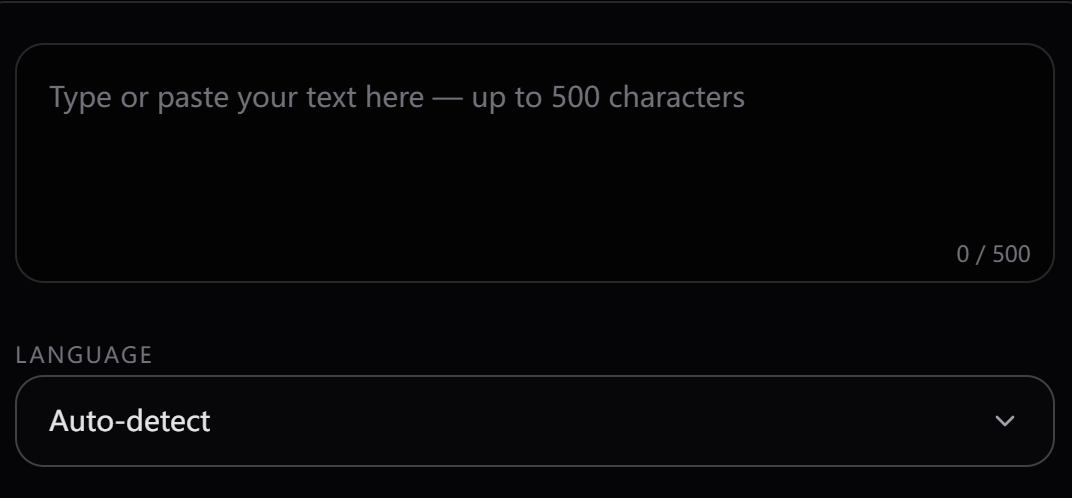
Step 1
Paste up to 4000 characters of text — any language, any topic. OmniVoice TTS handles punctuation, abbreviations, and numerals automatically.
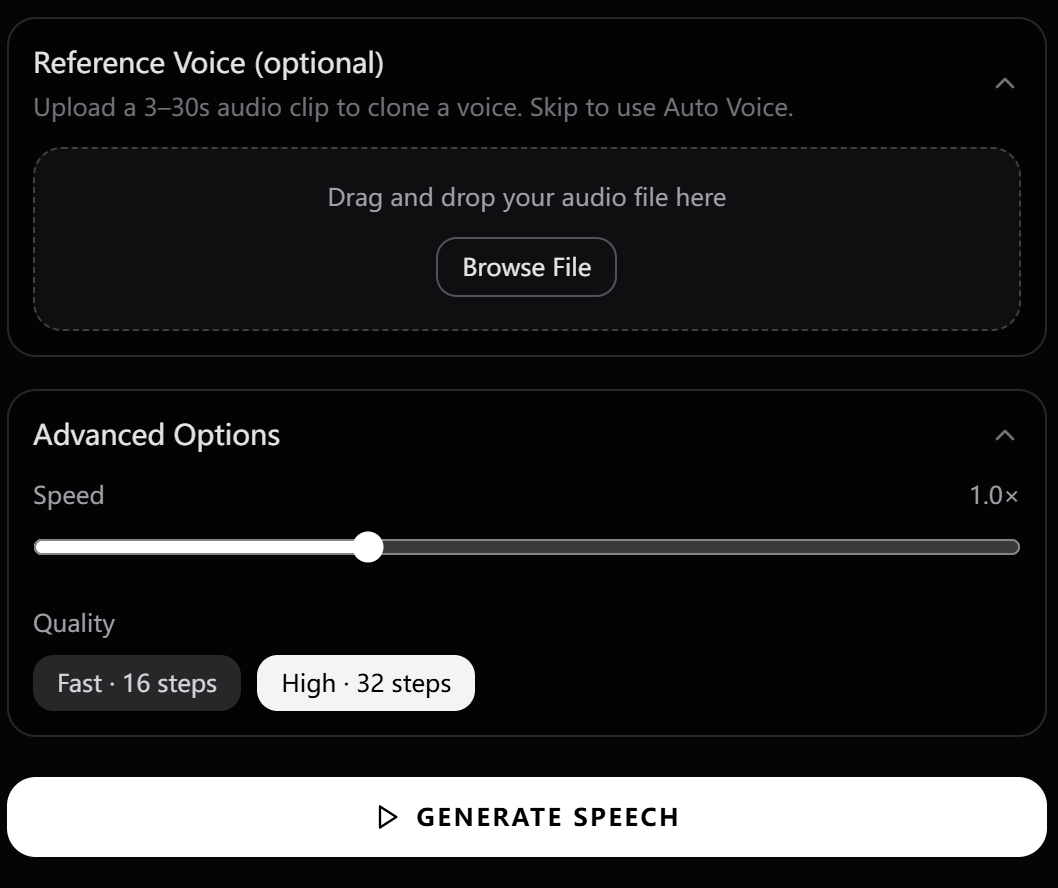
Step 2
Use Text to Speech for a clean generated voice. Select the voice you want to use for your audio, then generate speech from your text in seconds.
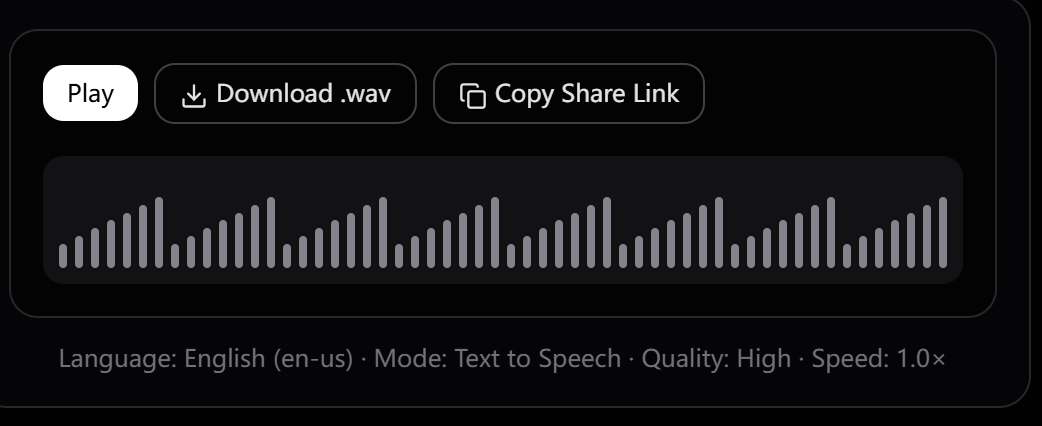
Step 3
Click Generate Speech. Your audio is ready in seconds. Download as .wav or copy a share link to send to anyone.
Most TTS tools support a handful of major languages. OmniVoice TTS supports 646 — from the most widely spoken to languages most platforms have never touched.
English · Mandarin · Spanish · Hindi · Arabic · French · Portuguese · Russian · Japanese · German · Korean · Italian
Swahili · Hausa · Amharic · Yoruba · Zulu · Arabic (MSA) · Somali · Tigrinya · Wolof · ···
Mandarin · Cantonese · Japanese · Korean · Vietnamese · Thai · Tagalog · Malay · Bengali · Tamil · Tok Pisin · ···
English · German · French · Spanish · Italian · Polish · Welsh · Catalan · Basque · Faroese · ···
English · Spanish · Portuguese · Quechua · Guaraní · Haitian Creole · ···

Long-form content generation

Dynamic game character voices

Professional studio quality

Clear, articulate pronunciation

Empathetic conversational agent

Authoritative broadcast style
Start with transparent credit-based pricing for Text to Speech, Voice Cloning, and Voice Design, then choose the plan that fits your usage.
No card required
No credit card. Prepare a script, sign up, and use your hosted trial credits.
Best first purchase
Perfect for short videos, ads, and trying things out.
Built for regular creators
The pick for podcasters, YouTubers, and small studios.
Best per-credit value
Built for audiobook narrators, course creators, and content studios.
One-time hosted credits • No subscription required
Everything you need to know about the OmniVoice TTS generator.
The hosted generator includes free trial credits after sign-up, with no card required. The underlying open-source model can also be self-hosted under Apache 2.0 without hosted credit limits.
Apache 2.0 · Open Source · Built by the k2-fsa research team