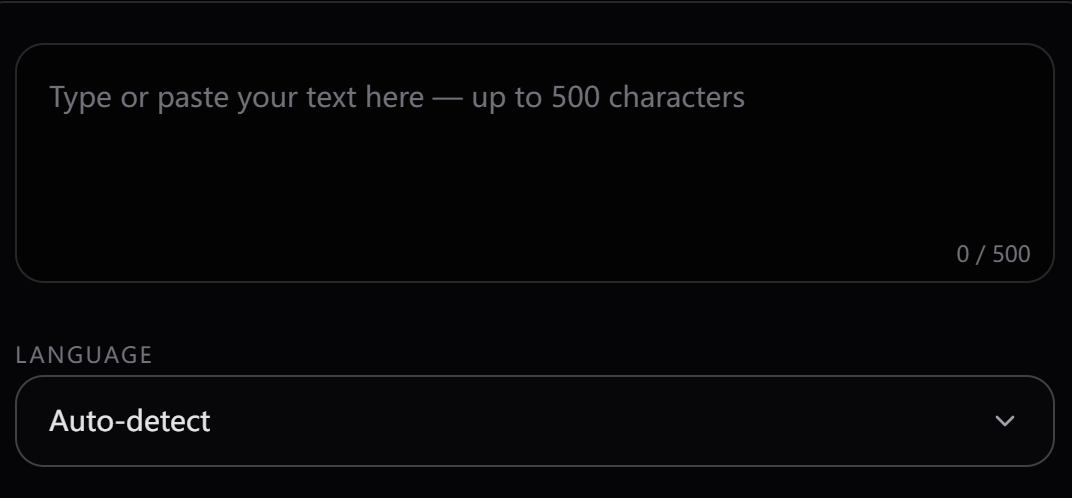
Step 1
Enter Your Text
Paste up to 4000 characters of text — any language, any topic. OmniVoice handles punctuation, abbreviations, and numerals automatically.
 OmniVoice
OmniVoice · Zero-Shot cloning
Upload a 3–25 second audio sample and OmniVoice captures the speaker's voice instantly — no training, no fine-tuning, no waiting. You can then speak in 646 languages with that same voice, and if you're just getting started, explore OmniVoice.
Reference audio (voice to clone)
Tap to record your voice or upload a file (3–25s).
Compare reference clips with cloned output — without leaving this page.
Reference
Video & podcasts · Original voice
Cloned voice
“Keep the host’s voice for intros, ads, and pickups — now generated, not re-recorded.”
Channel host voice · English → cloned English
Reference
Product & app localization · Original voice
Cloned voice (localized)
“Same brand voice, localized script — no new recording session.”
Marketing voice · English → localized output
Reference
Audiobooks & narration · Original voice
Cloned narrator
“Match a narrator’s timbre for sequels and translated editions.”
Narrator voice · Original → cloned
Step 1
Paste up to 4000 characters of text — any language, any topic. OmniVoice handles punctuation, abbreviations, and numerals automatically.
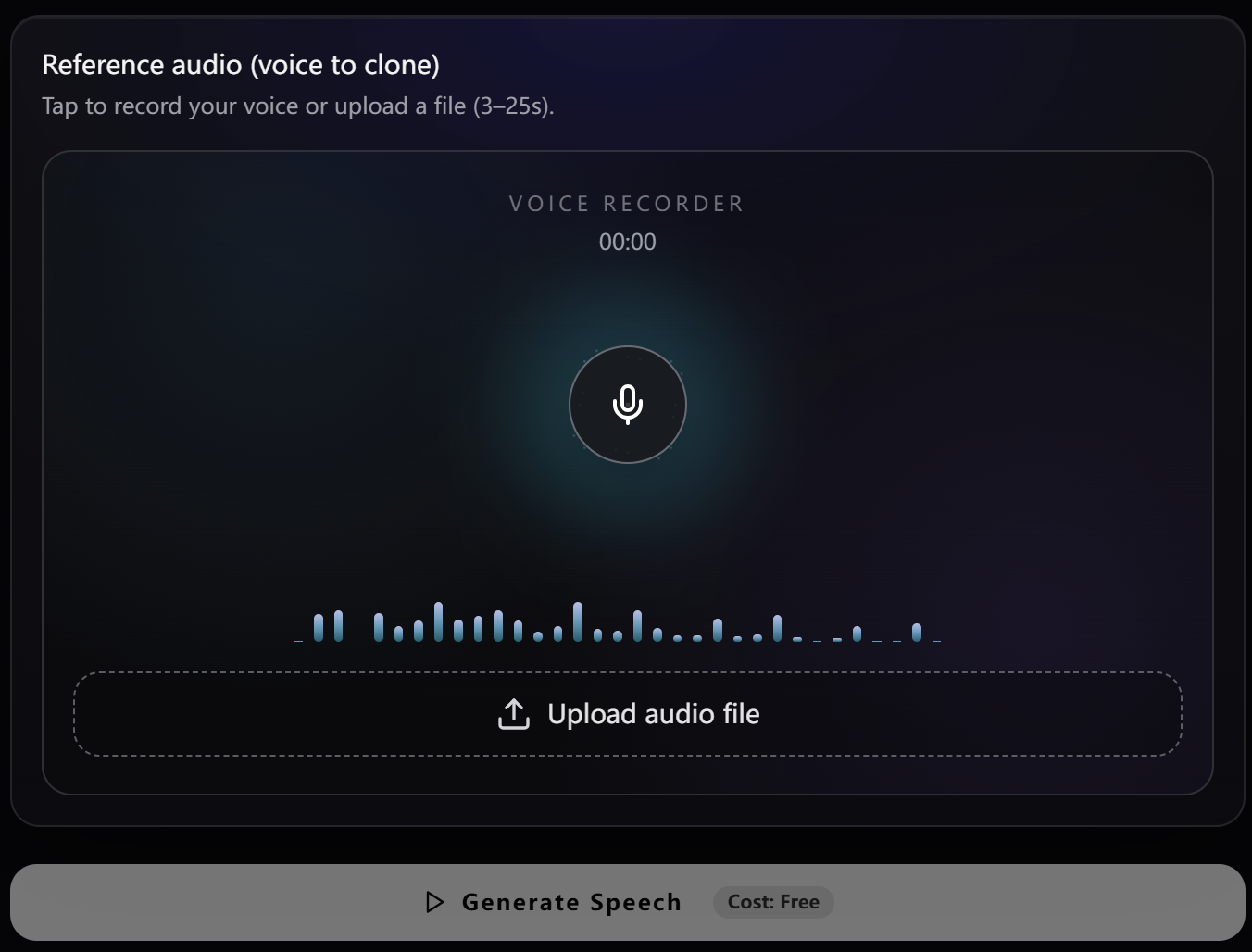
Step 2
Upload an audio file or record your voice to create a cloned speaker. OmniVoice supports reference clips as short as 3 seconds for fast Voice Cloning.
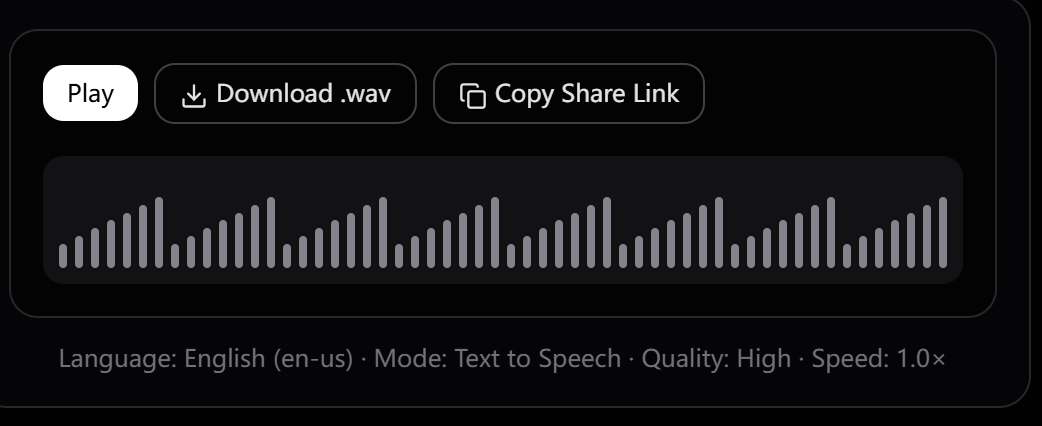
Step 3
Click Generate Speech. Your audio is ready in seconds. Download as .wav or copy a share link to send to anyone.
Open weights, measurable similarity, and multilingual reach in one stack.
On a 24-language benchmark, OmniVoice reaches SIM-o 0.830 vs. 0.655 for ElevenLabs — meaning cloned audio stays truer to the original voice.
SIM-o (speaker similarity). Source: arXiv 2604.00688, Table 3.
Clone once from English (or any language) and generate Mandarin, Arabic, Spanish, and hundreds more — same voice, no per-language re-recording.
Broadest open multilingual TTS coverage in one model.
No fine-tuning queue, no GPU hours, no dataset labeling. The same base model handles TTS, cloning, and Voice Design.
True zero-shot: reference audio only.
Use it free on omnivoice.app or self-host from GitHub with no usage caps — full stack open source under Apache 2.0.
Commercial use allowed under the license.
A practical snapshot for builders who care about openness, languages, and measured speaker match.
| Feature | OmniVoice | ElevenLabs |
|---|---|---|
| Languages supported | 646 | 32 |
| Online access | Free trial credits after sign-up | Paid plans |
| Open source & self-host | Apache 2.0 | Proprietary |
| Zero-Shot cloning | Yes (3–25s ref) | Yes (paid tiers) |
| SIM-o (24-language avg.) | 0.830 | 0.655 |
SIM-o figures from arXiv 2604.00688, Table 3 (24-language benchmark). Product features and pricing may change — verify on each vendor's site before buying.
Where a single reference voice unlocks multilingual output.
Keep the host’s voice for intros, ads, and pickups without booking a new session — ideal for fast-turnaround channels.
Ship the same brand voice across locales: one reference clip, localized scripts in every market language.
Match a narrator’s timbre for pick-ups, sequels, or translated editions while preserving listener familiarity.
Let users hear UI or content in a voice that feels personal — including cross-lingual output from one sample.
Start with transparent credit-based pricing for Text to Speech, Voice Cloning, and Voice Design, then choose the plan that fits your usage.
No card required
No credit card. Prepare a script, sign up, and use your hosted trial credits.
Best first purchase
Perfect for short videos, ads, and trying things out.
Built for regular creators
The pick for podcasters, YouTubers, and small studios.
Best per-credit value
Built for audiobook narrators, course creators, and content studios.
One-time hosted credits • No subscription required
Everything about zero-shot Voice Cloning with OmniVoice.
OmniVoice AI voice Cloning is a zero-shot Voice Cloning feature that replicates any speaker's voice from a short audio sample — no training required. Upload a 3–25 second reference clip, and OmniVoice extracts the speaker's voice profile to generate new speech in that voice, across any of 646 supported languages.
Open the hosted generator, prepare your voice, and use free trial credits after sign-up.